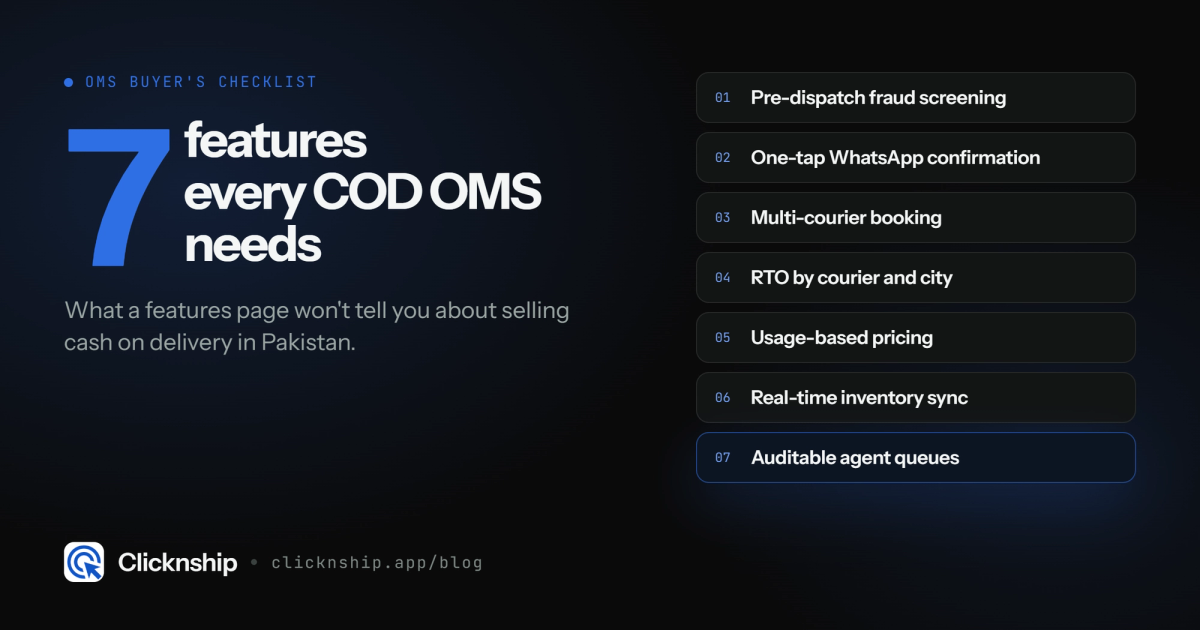
7 Order Management Software Features Pakistani COD Sellers Should Actually Check For
Feature lists for order management software rarely mention the things that matter for COD. Here are seven to actually check before you commit.

Umair
Founder @ ClicknShip.app | Helping eCommerce businesses reduce RTO, automate fulfillment, and improve operational efficiency
Most order management software feature lists read the same: multi-channel sync, reporting dashboard, courier integration. None of that tells you whether the platform actually solves the problems specific to cash-on-delivery selling in Pakistan. Here are seven features worth checking for specifically — and why each one matters more than it looks like it would from a features page.
1. Pre-dispatch fraud and duplicate screening
Not post-dispatch fraud reporting — screening that runs before a courier fee is spent. A report telling you which orders were fake after they've already cost you a pickup and delivery fee doesn't prevent anything; it just documents the loss.
2. WhatsApp-based confirmation with one-tap confirm or cancel
A confirmation step customers actually respond to beats a dashboard status nobody checks. One-tap confirm/cancel removes the friction that makes customers ignore a typed-reply flow or a call from an unknown number.
3. Multi-courier booking with normalized tracking status
Booking across TCS, Leopards, M&P, PostEx, Daewoo, and Trax from one screen, with tracking statuses normalized so "out for delivery" means the same thing regardless of which courier is handling the parcel.
4. RTO reporting broken down by courier and city
One blended RTO percentage hides where the problem actually lives. A single underperforming city or sales channel often explains more of your return rate than courier choice does — but only if the reporting lets you see it that way.
5. Usage-based pricing, not a flat monthly fee regardless of volume
COD order volume in Pakistan is seasonal. A flat fee sized for your busiest month still gets charged in your quietest one — pricing that scales with actual order volume avoids that mismatch.
6. Real-time inventory sync
Confirming an order you can't actually fulfill creates a different kind of RTO — a cancellation after the customer already said yes. Sync between confirmed orders and available stock prevents that specific failure mode.
7. Role-based agent queues that are auditable
It doesn't show up in a feature-list demo, but it's what lets you find out, weeks later, exactly why a specific order was confirmed, missed, or routed to an agent — instead of just "someone handled it."
FAQ
Do I need all seven features on day one?
Screening and confirmation matter most immediately since they prevent the most direct cost. Multi-courier management and RTO reporting matter more as order volume grows.
Is inventory sync really an "order management" feature?
Yes — confirming an order you can't fulfill creates a cancellation-after-promise problem that behaves a lot like RTO, so sync belongs in the same conversation even though it's technically an inventory concern.
What's the easiest feature to underestimate?
Role-based, auditable agent queues. It never looks impressive in a demo, but it's exactly what you need when you're trying to figure out why an order went wrong three weeks after it happened.
Want to check these seven features against your own order data before committing? Start with ClickNShip.